Rundll32.exe is used to run Dynamic Link Library (DLLs) on the Windows operating system. DLLs store code to provide functions to Windows processes and third-party applications, and can be accessed by multiple programs simultaneously.
Run a 32 bit DLL function.
Rundll32 is available on all version of Windows from Windows 95 onwards, but only runs in 32 bit mode.
Syntax
       RUNDLL32.EXE dll_name,EntryPoint [optional_arguments]

The dll_name and the EntryPoint function name can be separated by either a space ( ) or a comma (,)

In some cases two or more commas are required, for example here we pass the value 1 as the second argument to Intl.cpl:

Rundll32.exe shell32.dll,Control_RunDLL Intl.cpl,,1

DLL options may be case sensitive, Rundll32 may also fail if there is any additional white space in between the dll_name, the comma, and the EntryPoint function. If you pass the wrong type of DLL to Rundll32, it may fail to run without returning any error message.

There are thousands (if not more) of DLLs included with your regular Windows installation that are related to everything from networking to the UI you interact with daily. Most programs you install also use DLLs. This ubiquity makes rundll32.exe an essential part of Windows, whether you’re using Windows 10, Windows 11, or an older version of Windows like Windows 7.
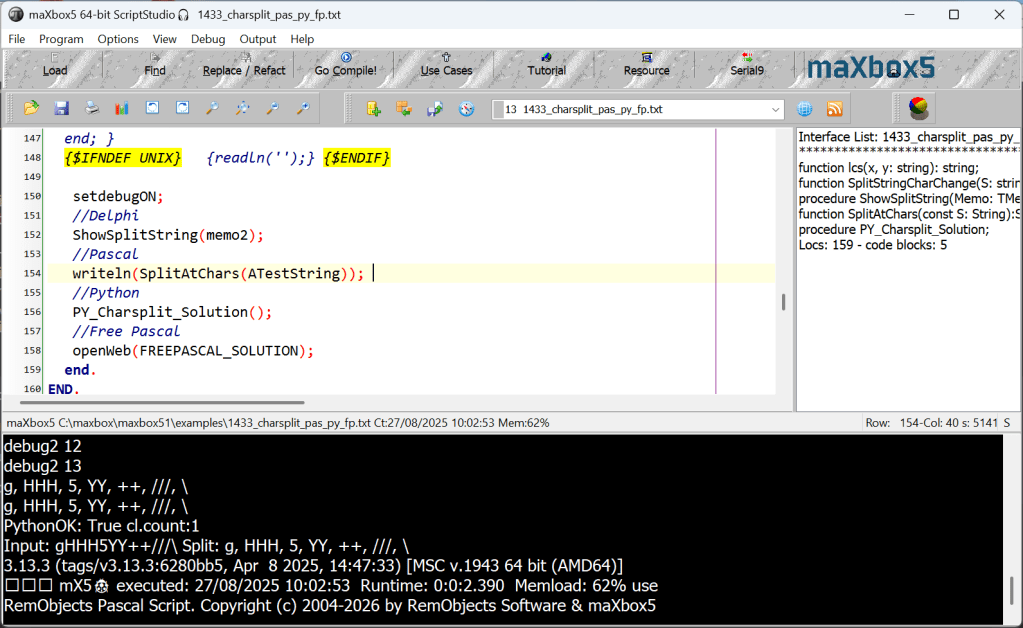
In maXbox you can test a script with a simple mask of module-function and commandline to run mighty operating system routines like screen saver settings:
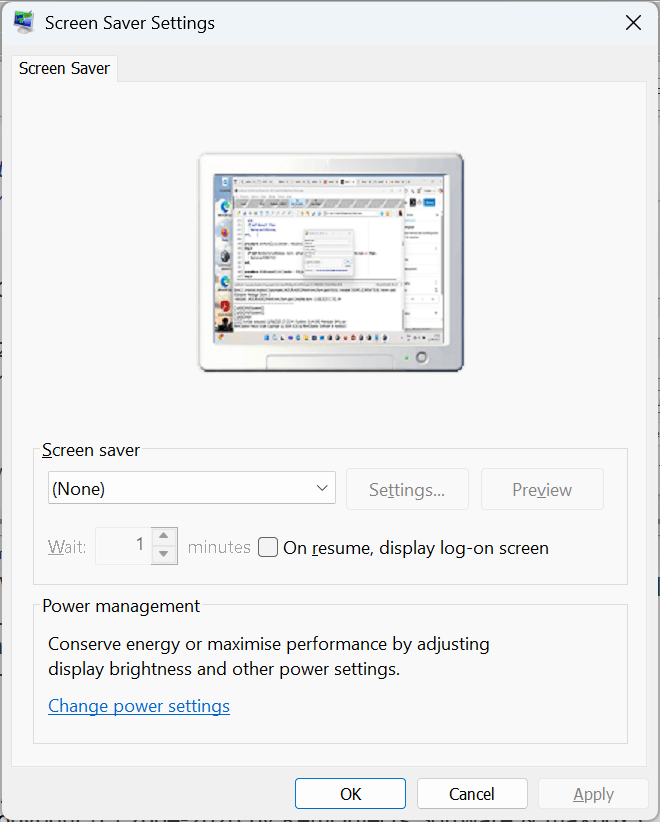
Rundll32.exe is a normal part of Windows. However, malware can pretend to be a legitimate copy of rundll32.exe or use the real rundll32.exe to execute malicious code on your PC.
There are a few legitimate copies of the rundll32 executable contained in a Windows install. The two you’ll commonly see are located in “C:\Windows\System32\” and “C:\Windows\SysWOW64”, but if you perform a search, you’ll find additional ones in the Windows folder.
We use on the script 1425_RunDll32MainFormUForm.pas the following code:
procedure btnRunClick(Sender: TObject);
begin
  if not RunDll32(edModule.Text, edFunc.Text, edCmdLine.Text, chkWait.Checked,1) then
    RaiseLastOSError;
end;
You cannot safely delete rundll32.exe if you want Windows to function properly. It’s a normal, critical part of the Windows operating system. It’s like asking whether you can open up your microwave and start removing various components.
procedure btnInfoClick(Sender: TObject);
var tmp: string;
begin
  tmp := ChangeFileExt(Application.ExeName, '.dmp');
  // NOTE: this requires the $(DELPHI)\bin folder and the tdump.exe utility in the PATH to work!!!
  PipeToFile(tmp, Format('tdump.exe -ee -q %s', [GetExpandedSysFilePath(edModule.Text)]), false);
  //TfrmInfo.View(tmp, ExtractFileName(edModule.Text));
end;
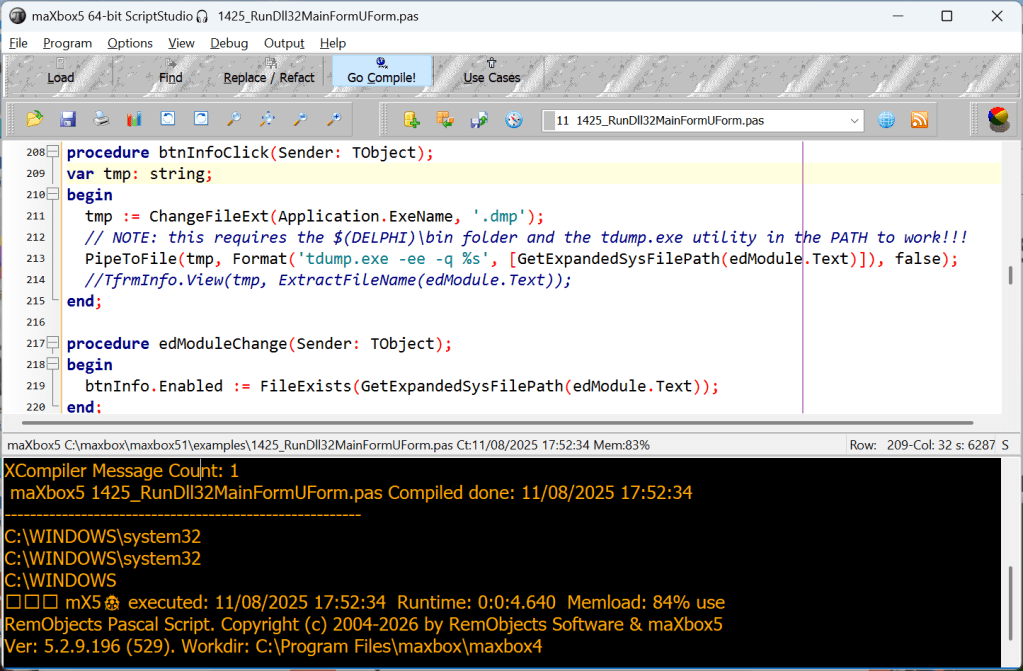
You can’t directly disable rundll32.exe since it doesn’t really do anything by itself, but you can disable the applications and services that use rundll32.exe to operate. This can sometimes be a bit complicated, depending on what exactly you want.
Some other runs to test:
https://www.tenforums.com/tutorials/77458-rundll32-commands-list-windows-10-a.html
Add a Network Printer:
RUNDLL32 printui.dll,PrintUIEntry /ia /c\\server /m “AGFA-AccuSet v52.3”
/h “Intel” /v “Windows 2000” /f %windir%\inf\ntprint.inf
Add a Local Printer:
RUNDLL32 printui.dll,PrintUIEntry /if /b “Test Printer” /c\\SERVER
/f “%windir%\inf\ntprint.inf” /r “lpt1:” /m “AGFA-AccuSet v52.3”
Add a printer connection that’s available to anyone who logs on:
Rundll32 printui.dll,PrintUIEntry /ga /n\\Server\PrintShare
Display the per-Machine printer connections:
RUNDLL32 printui.dll,PrintUIEntry /ge /c”\\workstation64″
Display all the available commands for PRINTUI.DLL – add/remove print drivers, print queues, preferences, properties etc:
RUNDLL32 printui.dll,PrintUIEntry /?
Lock workstation:
RUNDLL32.exe user32.dll, LockWorkStation
n.b. this is an unsupported hack, which may fail in the future – details on oldnewthing
A PowerShell function: Lock-WorkStation is supported.



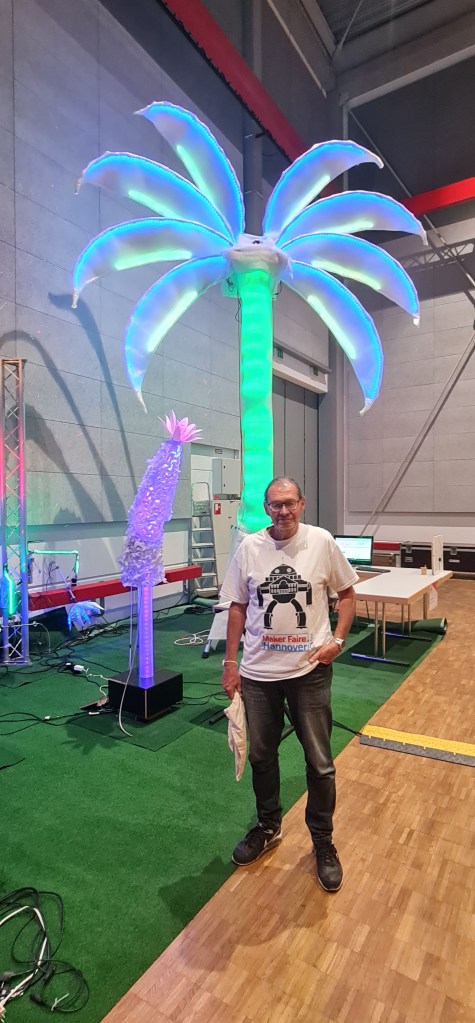
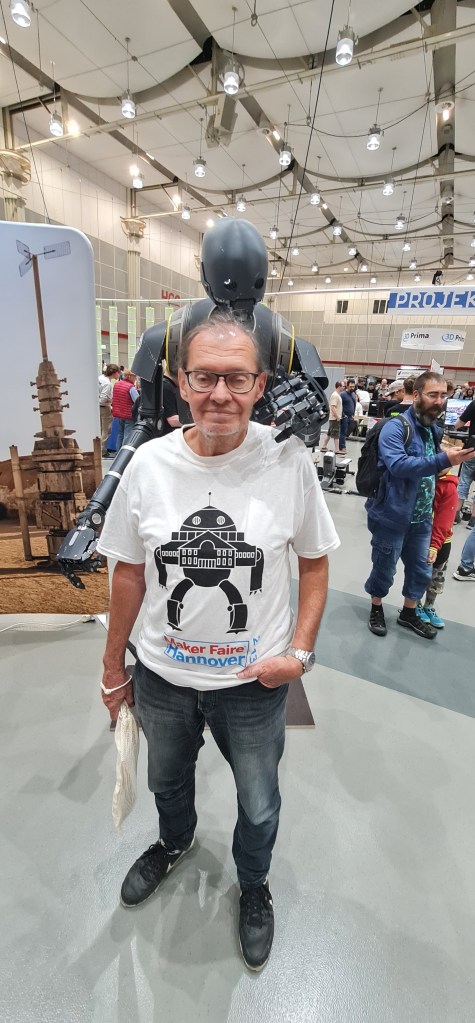
Maker Fare 2025 Hannover
Die elfte Maker Faire Hannover war ein Erfolg! Trotz – oder vielleicht sogar wegen – des eher kühlen Augustwetters strömten am Wochenende 19.200 Teilnehmende ins HCC. Damit konnten wir die Besucherzahlen im Vergleich zum Vorjahr von 15.800 um mehr als 20 Prozent steigern.

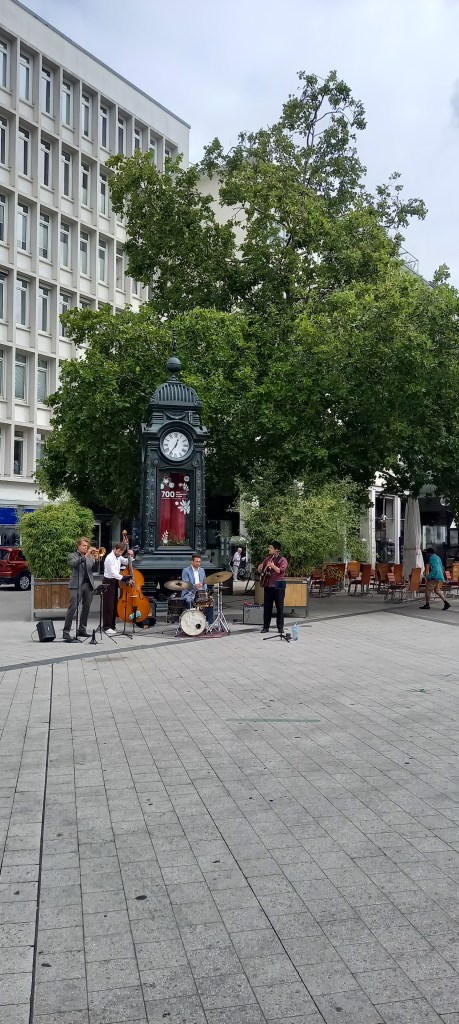
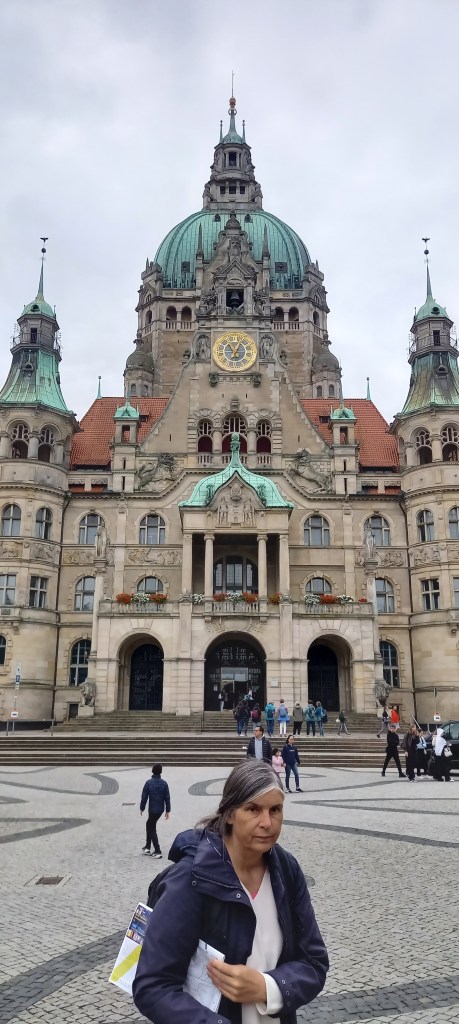


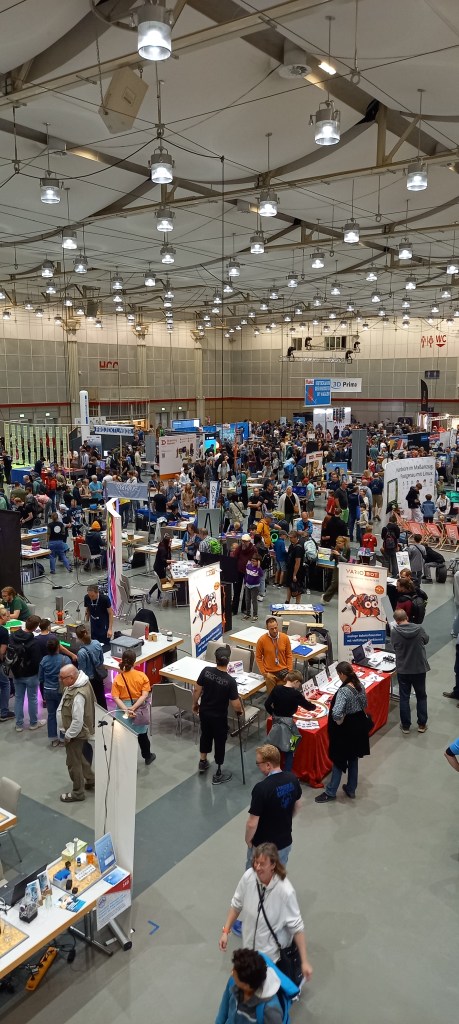
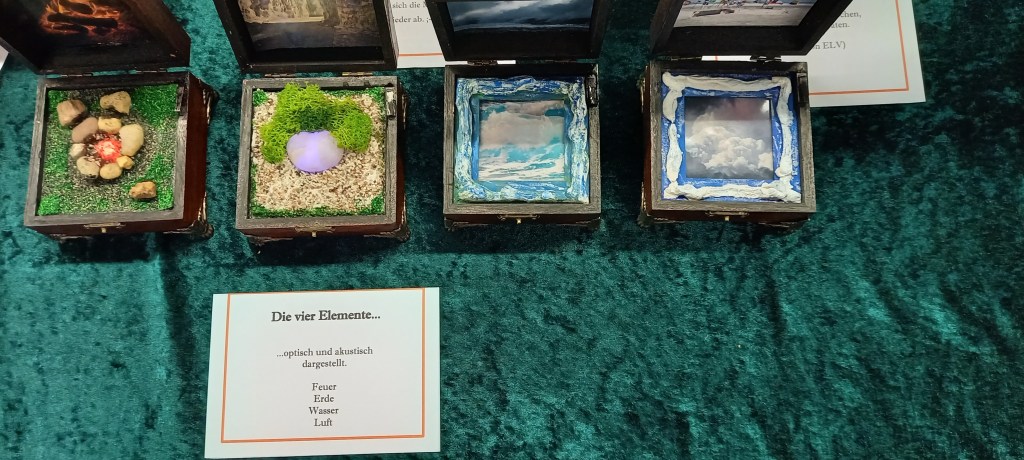
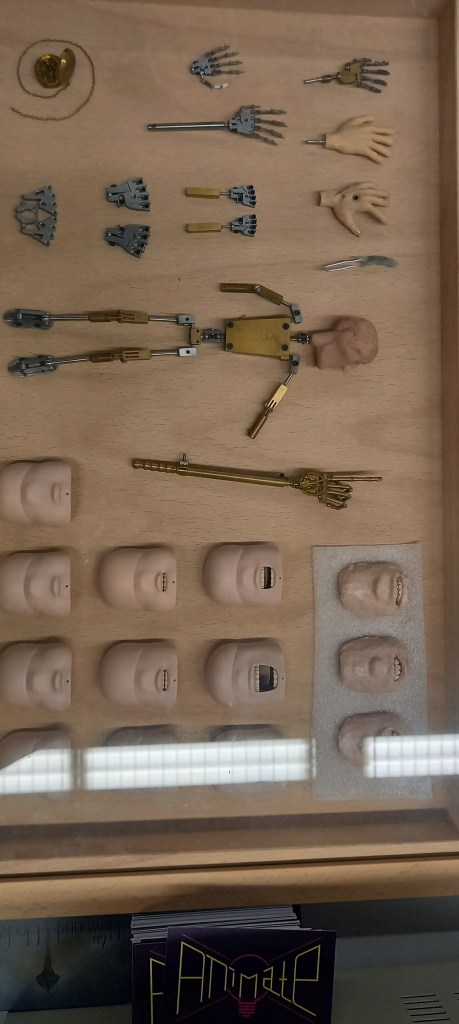

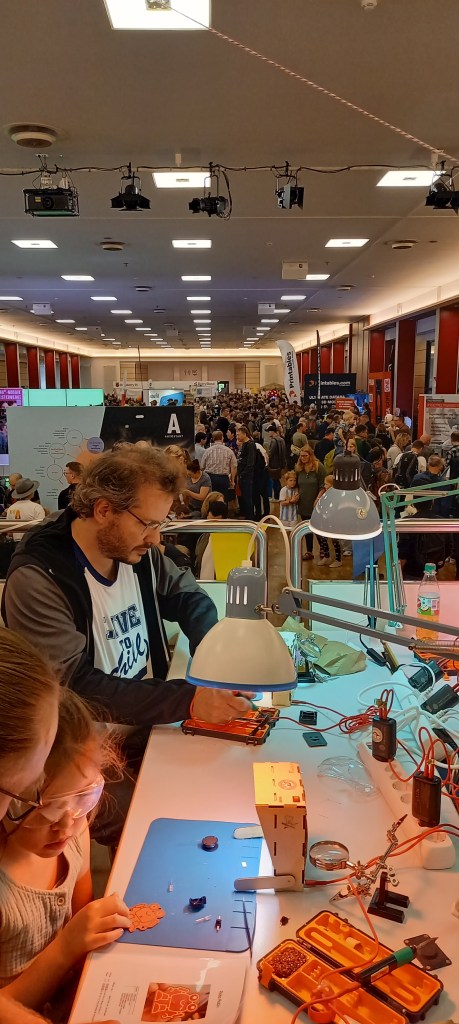
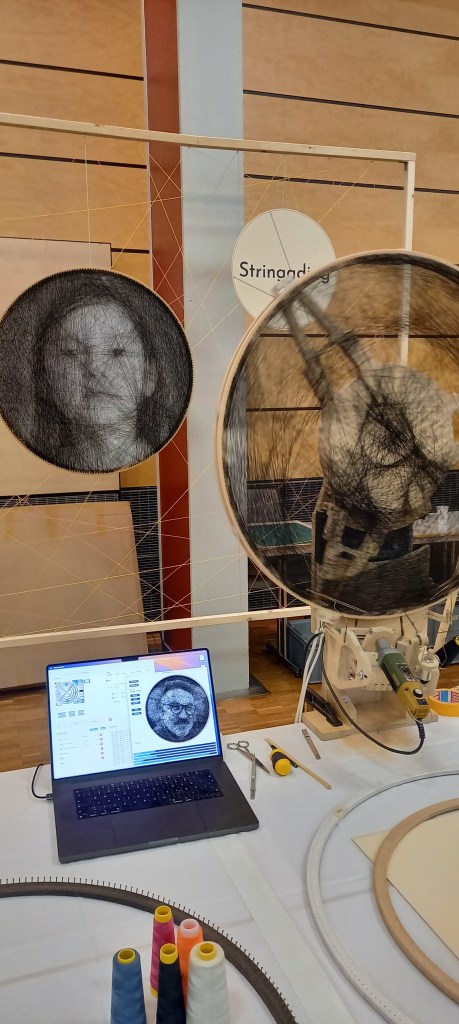

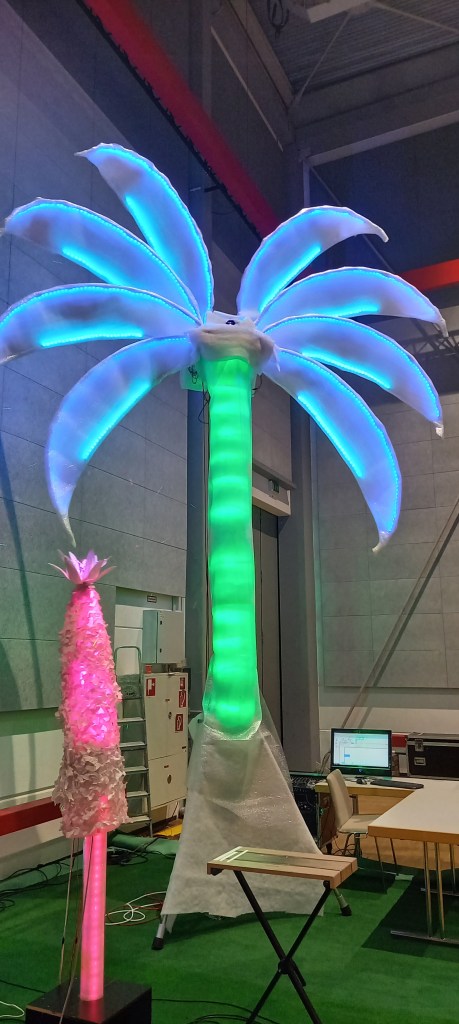


Maker Faire Hannover impressively demonstrates how diverse modern DIY culture has become. Key topics include 3D printing, robotics, maXbox, soldering, laser cutting, microcontrollers, coding, artificial intelligence, and sustainable technologies. “Makers often present their projects out of passion or as a springboard to startups – open source and collaborative learning are paramount,” explains Daniel Rohlfing, Head of Events & Sales at Maker Faire Germany.
https://maker-faire.de/news/2025/08/

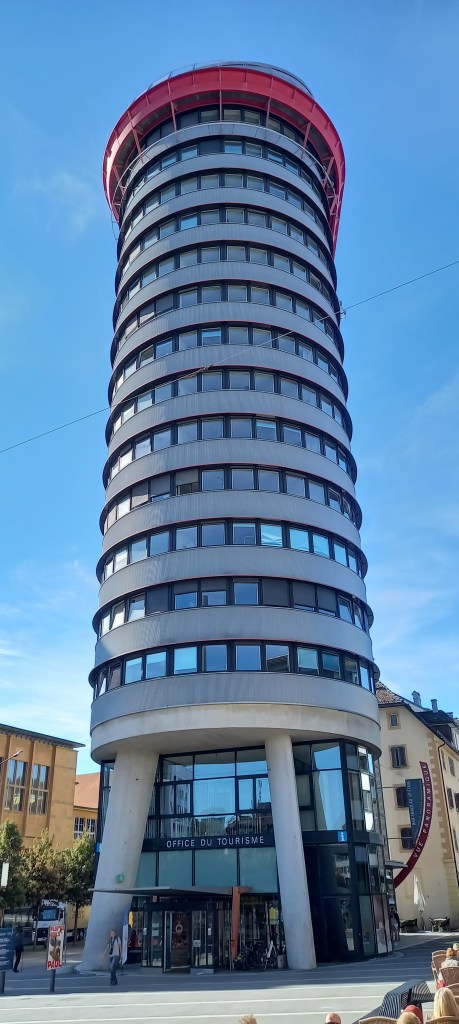
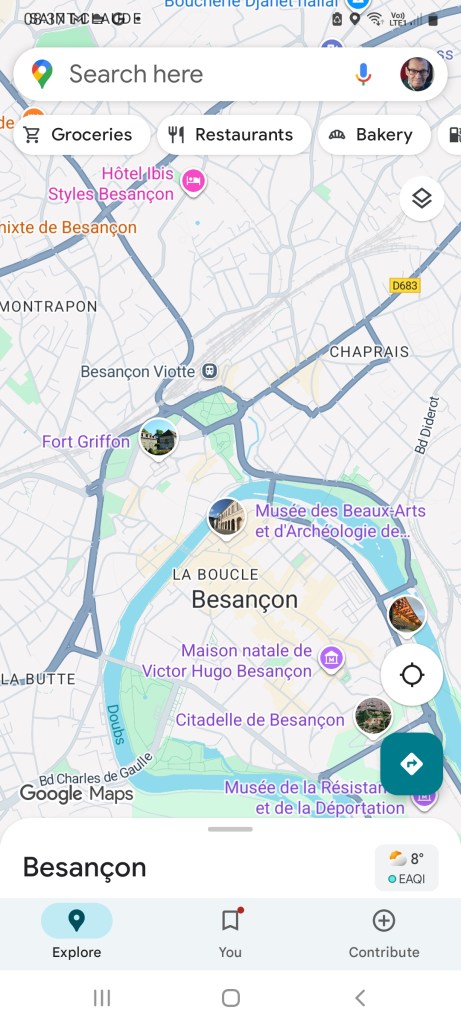
Besançon
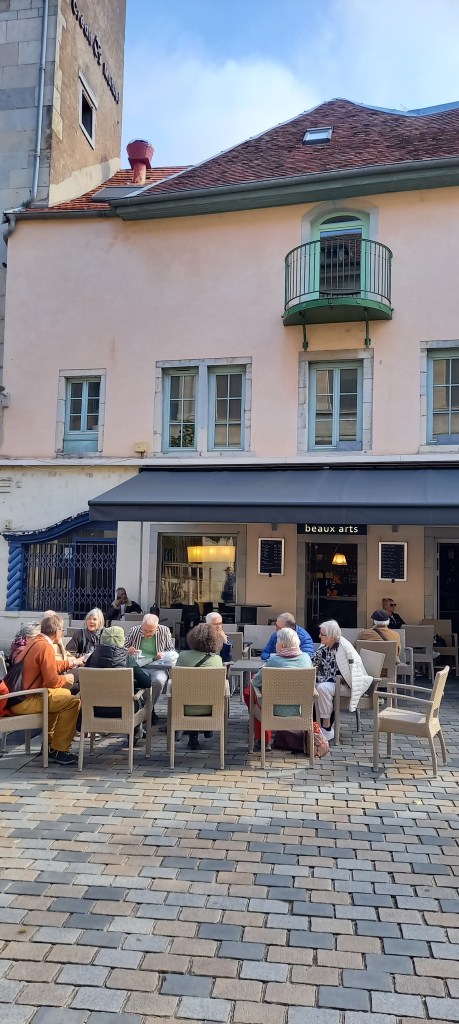
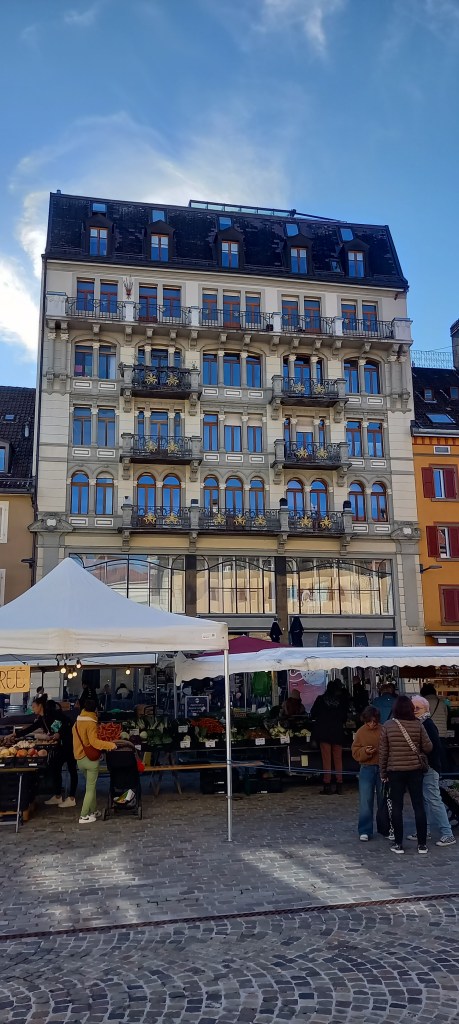
La place de la Révolution est la plus grande place de la ville de Besançon.
Lieu de vie apprécié des Bisontins, des étudiants et des touristes, elle comprend de nombreux bars et restaurants avec terrasse, ainsi que des commerces de centre-ville habituels. Elle est couramment appelée « place du Marché ».







 Breitschblog